Client companion
The Nick Bucci app, in your pocket.
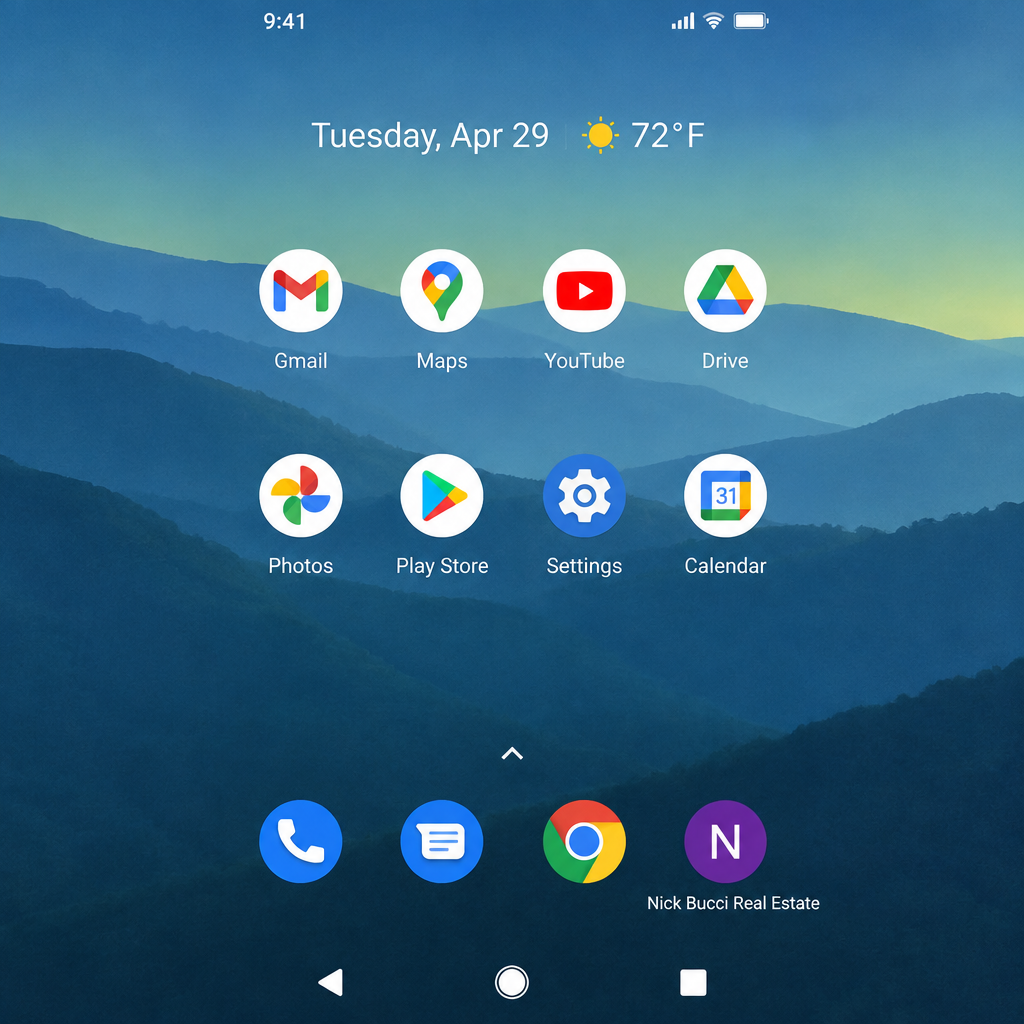
Save the app to your phone’s home screen and it opens full-screen, like any app from the store—no download weight, no app store, and it updates the moment we do.
Open the appWorks on iPhone and Android · takes about ten seconds
iPhone
Open in Safari- 1
Tap the button below — the app opens in Safari.
- 2
Tap the Share icon at the bottom of the screen.
- 3
Scroll down and tap “Add to Home Screen.”

- 4
Tap Add. The app icon now lives on your home screen.

Android
Open in Chrome- 1
Tap the button below — the app opens in Chrome.
- 2
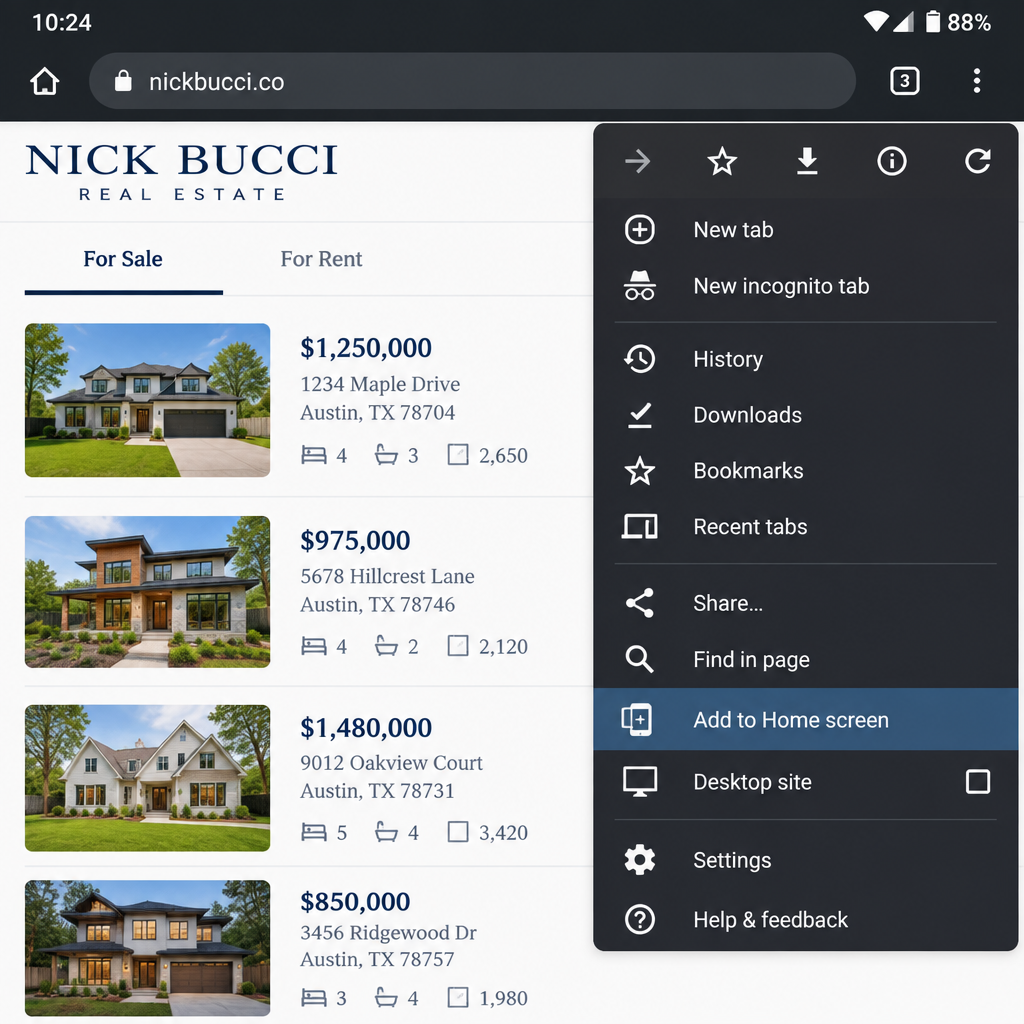
Tap the three-dot menu in the top right corner.
- 3
Tap “Add to Home screen” (or “Install app”).
- 4
Confirm. The app icon now lives on your home screen.